Address
304 North Cardinal St.
Dorchester Center, MA 02124
Work Hours
Monday to Friday: 7AM - 7PM
Weekend: 10AM - 5PM
Address
304 North Cardinal St.
Dorchester Center, MA 02124
Work Hours
Monday to Friday: 7AM - 7PM
Weekend: 10AM - 5PM

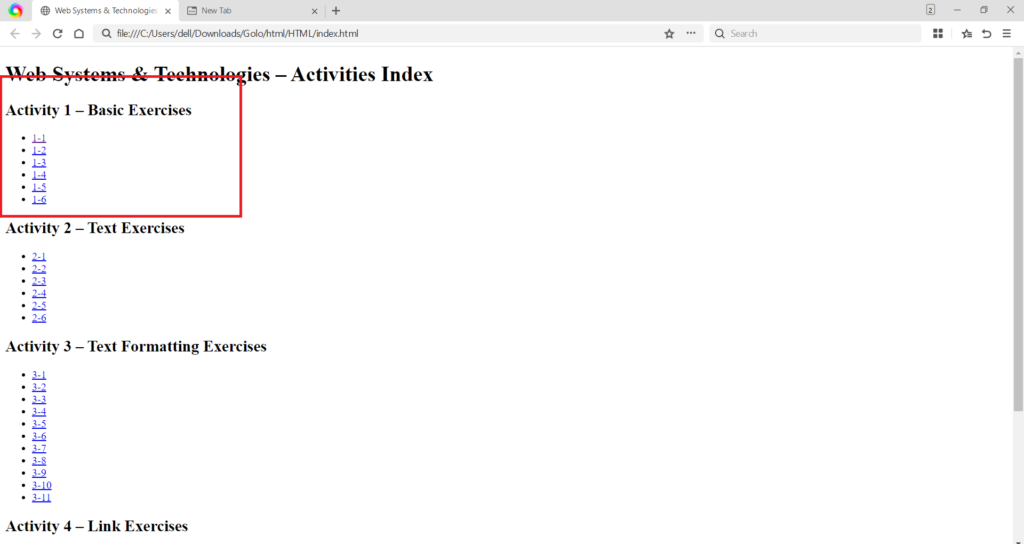
The first set of exercises focused on building the fundamental skeleton of a webpage.
<!DOCTYPE html> declaration, and the nested <html>, <head>, and <body> tags. The <title> tag within the <head> defines the text that appears in the browser tab. The content visible to the user, such as headings (<h1>) and paragraphs (<p>), is placed within the <body>. (Image Here: html code.png – showing activity1-1.html, activity1-2.html, activity1-3.html code)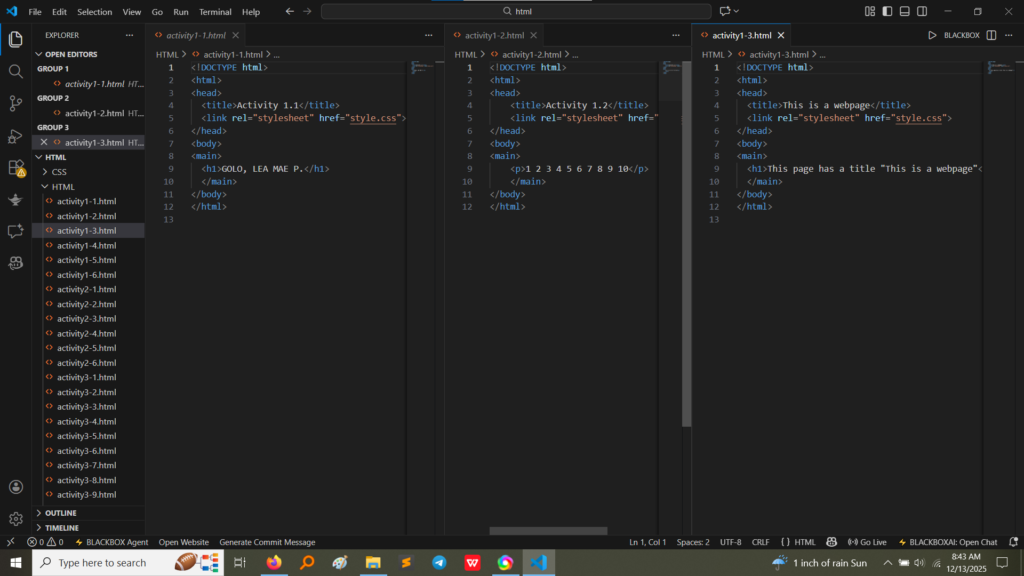
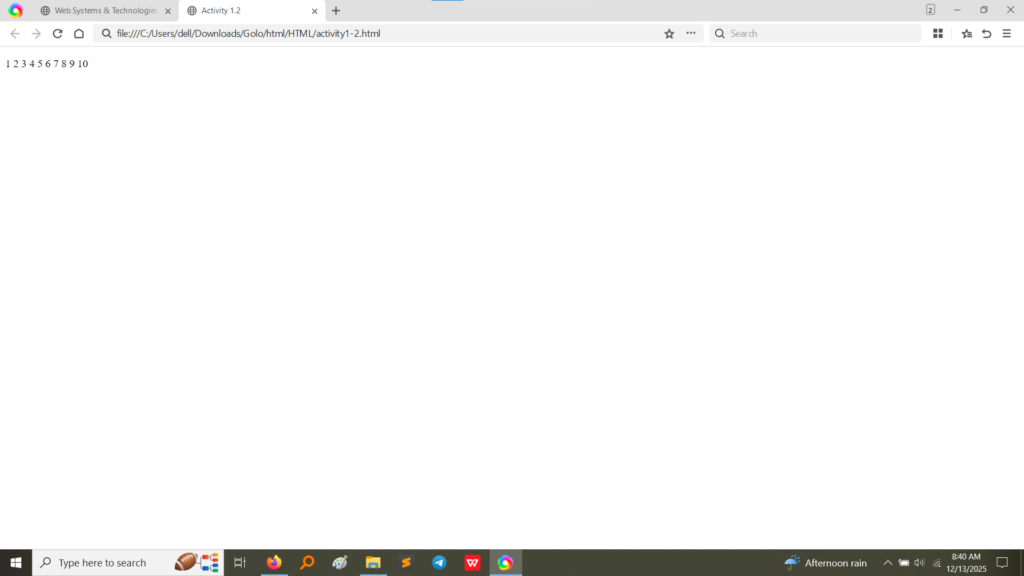
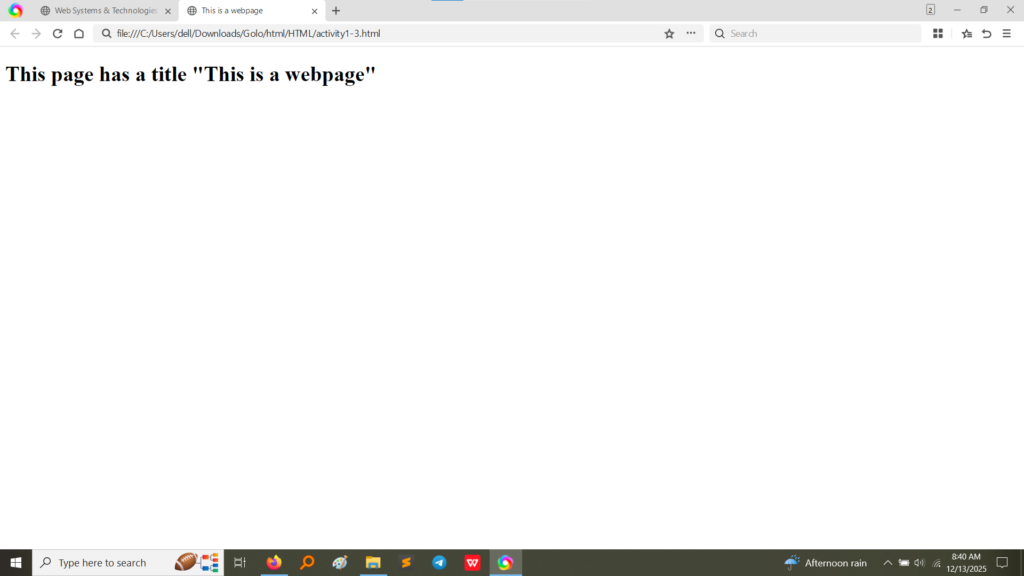
<body> (the name, the numbers, and the heading/paragraph) is displayed correctly on the webpage. The text specified in the <title> tag is visible on the browser tab (though partially obscured in some screenshots, the tab context is clear). (Image Here: output2.png – showing output for activity1-1.html) (Image Here: output3.png – showing output for activity1-2.html) (Image Here: output4.png – showing output for activity1-3.html)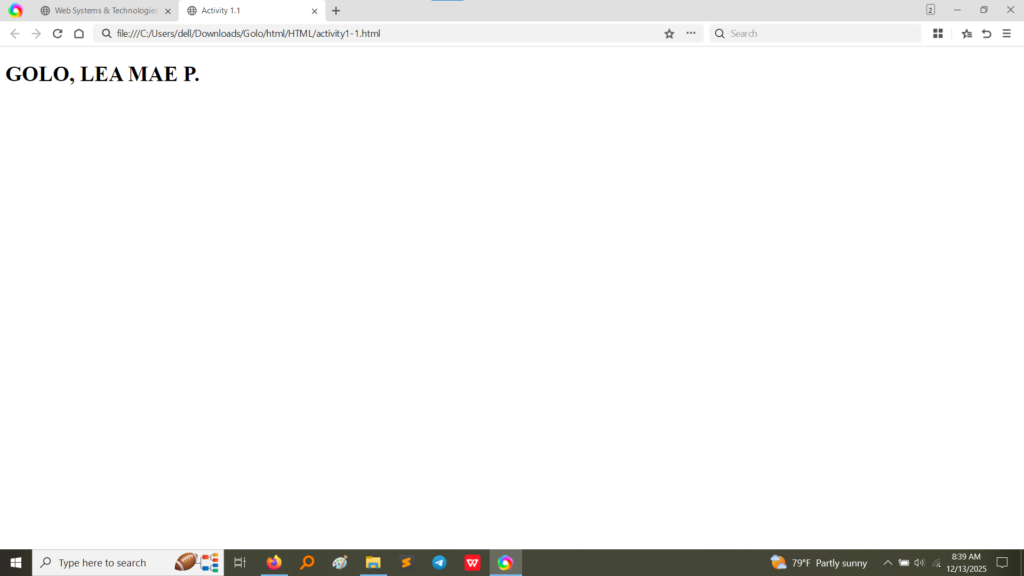
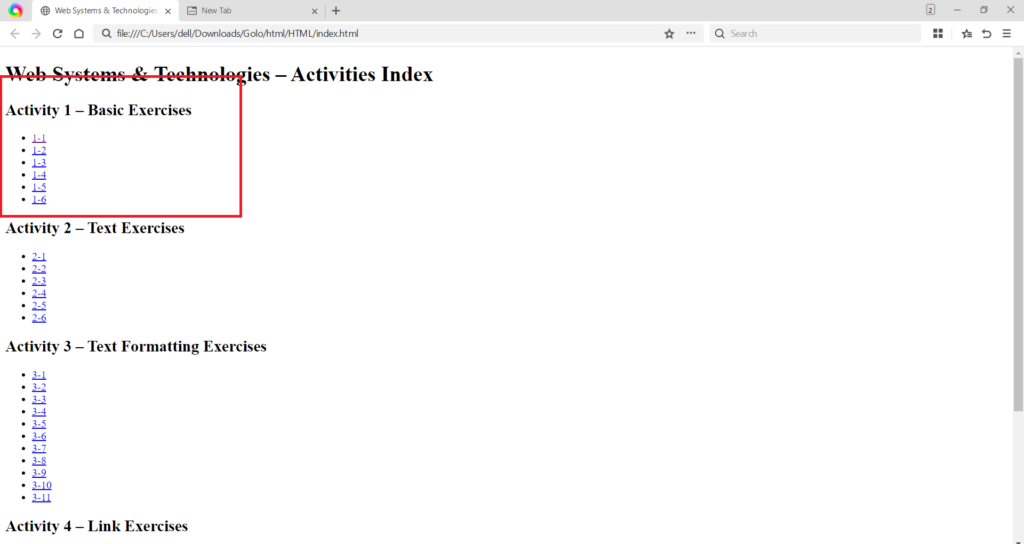
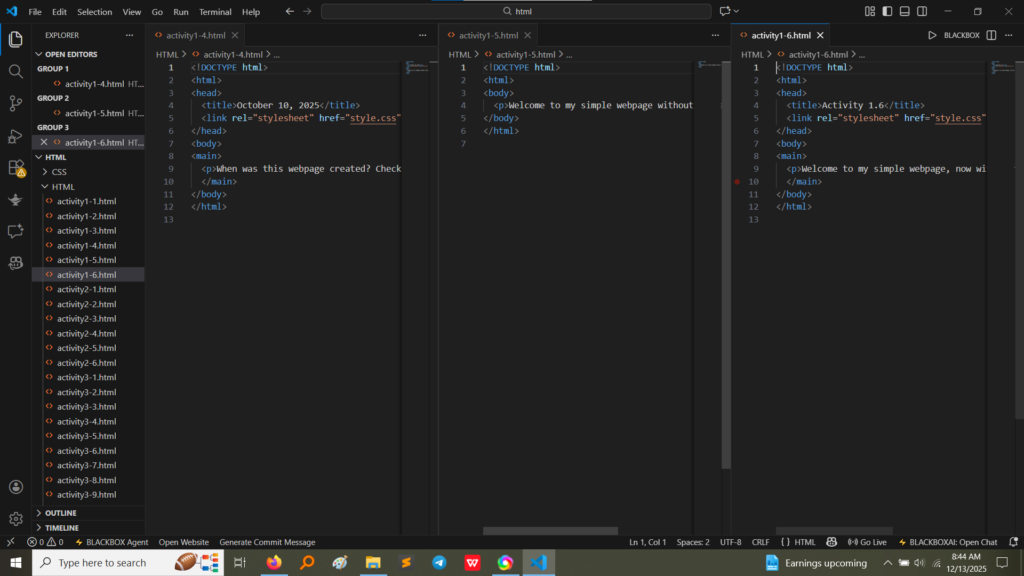
A crucial step in basic web development is separating presentation (CSS) from structure (HTML). Activities 1.4 and 1.6 included the <link> tag to prepare for styling.
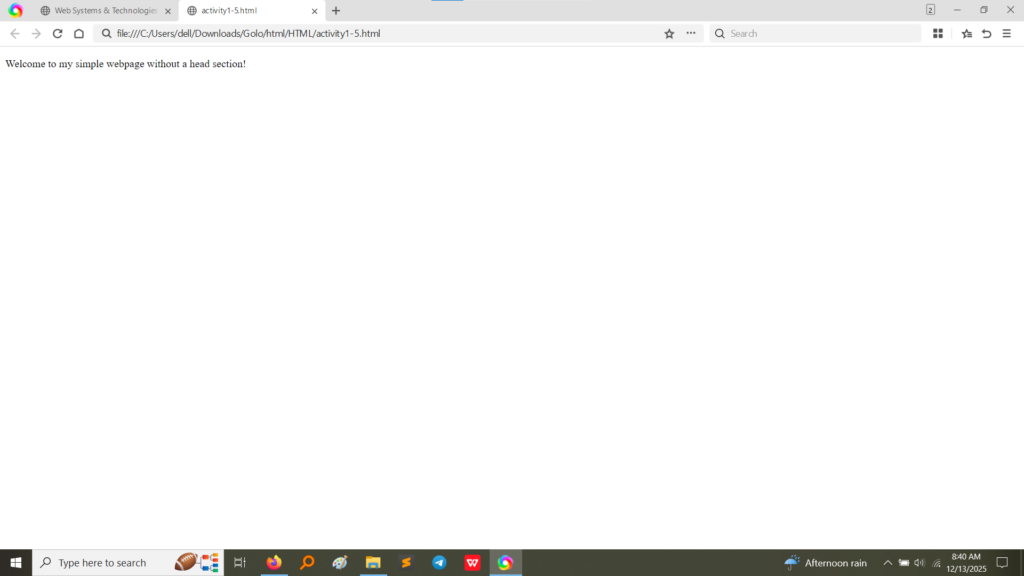
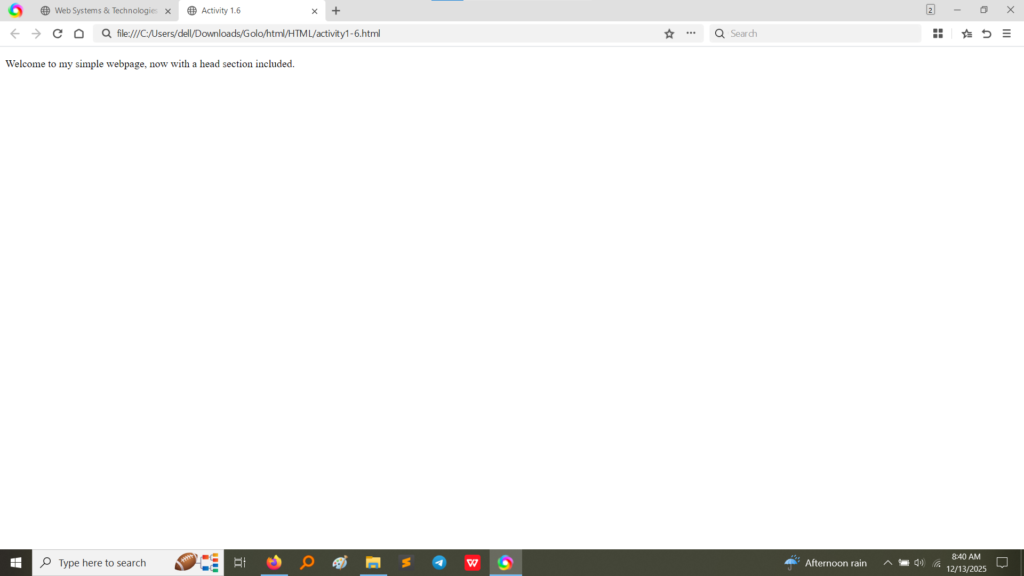
activity1-6.html demonstrates the proper use of <link rel="stylesheet" href="style.css"> inside the <head> section. This line tells the browser where to find the external CSS file that will define the visual style of the page. Activity 1.5 was designed to show a page without a <head> section, resulting in a default presentation and missing metadata. Activity 1.6 corrects this by including the <head> again. (Image Here: html code2.png – showing activity1-4.html, activity1-5.html, activity1-6.html code)Activity 1 was essential for solidifying the following core concepts:
<body> tag, and all metadata (like the page title and links to stylesheets) must be contained within the <head> tag.<!DOCTYPE html>, <html>, <head>, <body>, and <title>.<link> tag to reference style.css, I practiced the industry standard of separating HTML structure from CSS presentation, which makes code cleaner and easier to maintain.<head> section (Activity 1.5 vs. 1.6) demonstrated how the browser interprets and displays even the simplest HTML code.