Address
304 North Cardinal St.
Dorchester Center, MA 02124
Work Hours
Monday to Friday: 7AM - 7PM
Weekend: 10AM - 5PM
Address
304 North Cardinal St.
Dorchester Center, MA 02124
Work Hours
Monday to Friday: 7AM - 7PM
Weekend: 10AM - 5PM

This section confirms the successful migration and live status of the WordPress website on the Hostinger infrastructure.
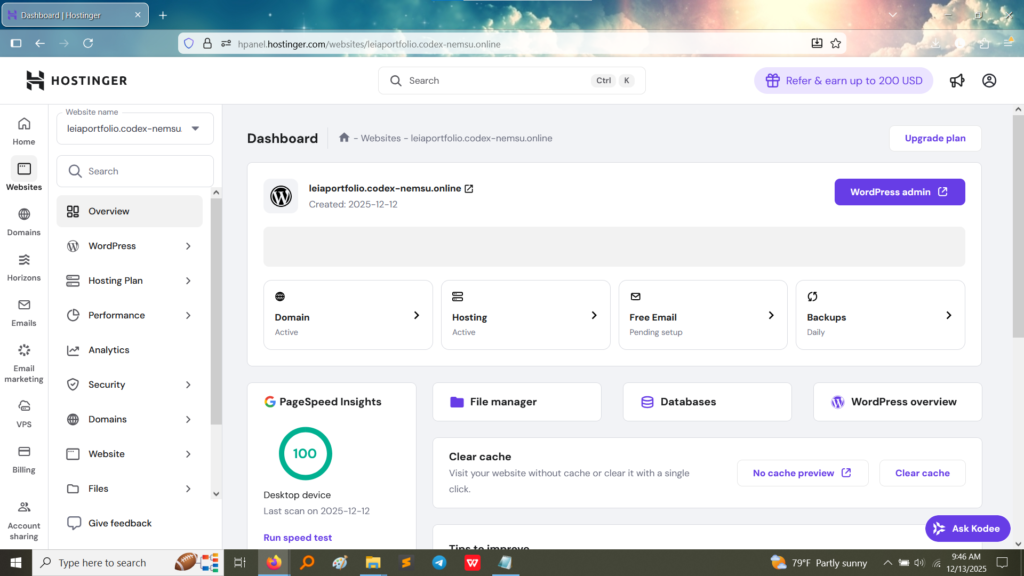
The deployment involved several critical steps to ensure the local WordPress site was correctly transferred and configured on the Hostinger server.
| Step | Action Performed | Result |
| 1. Hostinger Setup | Purchased or activated a hosting plan and registered/linked the domain name (leiaportfolio.codex-nemsu.online). | Established the environment for deployment. |
| 2. WordPress Installation | Utilized Hostinger’s one-click WordPress installer from the cPanel/hPanel. | Installed the core WordPress files and database structure on the server. |
| 3. Migration (if applicable) | If the site was developed locally, a migration tool (e.g., All-in-One WP Migration) was used to package the local database and files. | Transferred all content, themes, plugins, and settings from the local machine to the Hostinger server. |
| 4. Configuration Check | Verified the site’s permalinks, ensured the Site Address and WordPress Address (URL) settings matched the live URL (leiaportfolio.codex-nemsu.online), and tested all internal and external links. | Ensured the site was fully functional and publicly accessible at the new URL. |
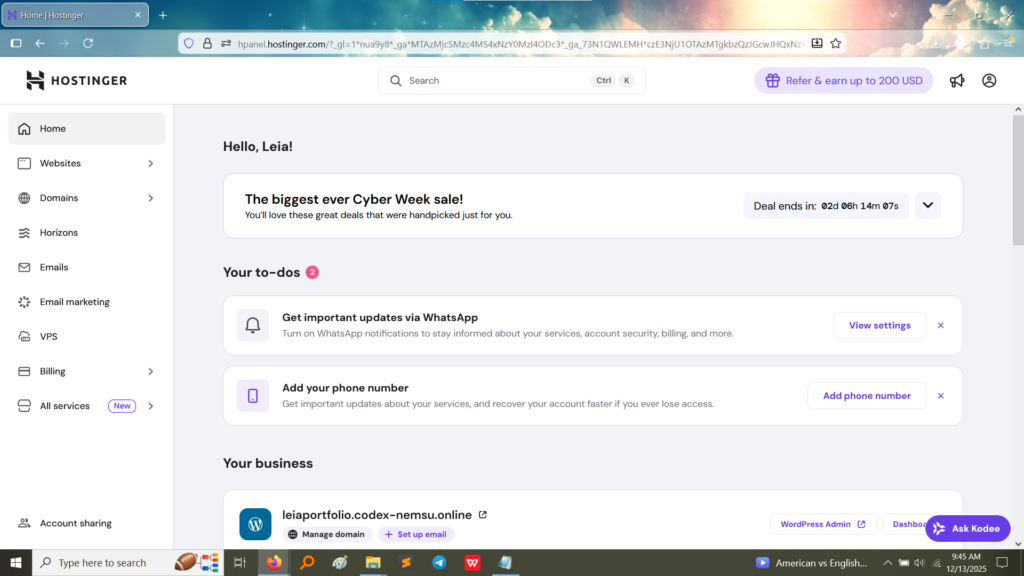
Activity 8 provided essential real-world experience in the final stage of web development: