Address 304 North Cardinal St. Dorchester Center, MA 02124
Work Hours Monday to Friday: 7AM - 7PM Weekend: 10AM - 5PM
Superscript and Subscript (Activity 3.1 & 3.2)
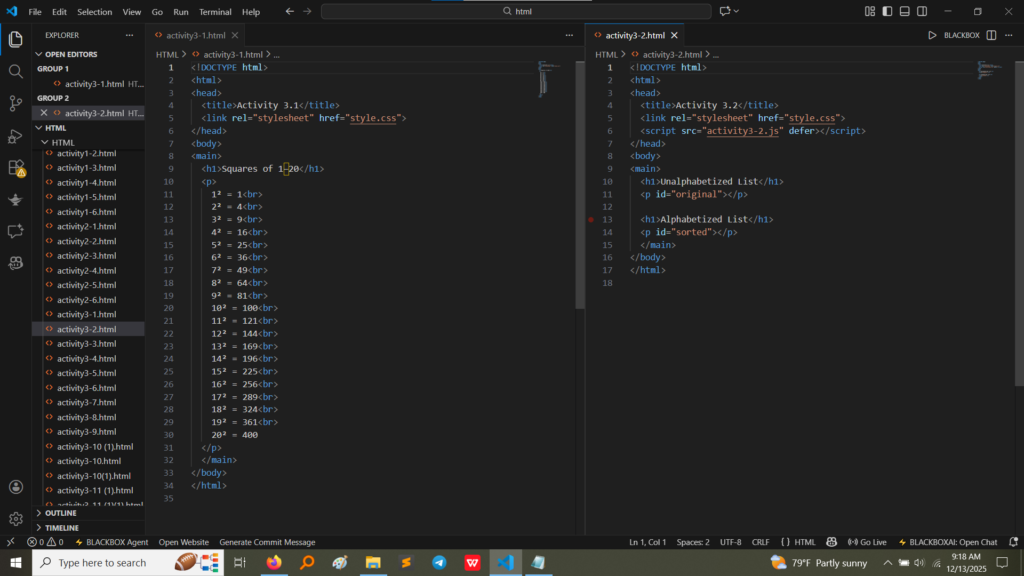
These exercises introduced the use of the <sup> and <sub> tags for presenting mathematical and chemical notations accurately.
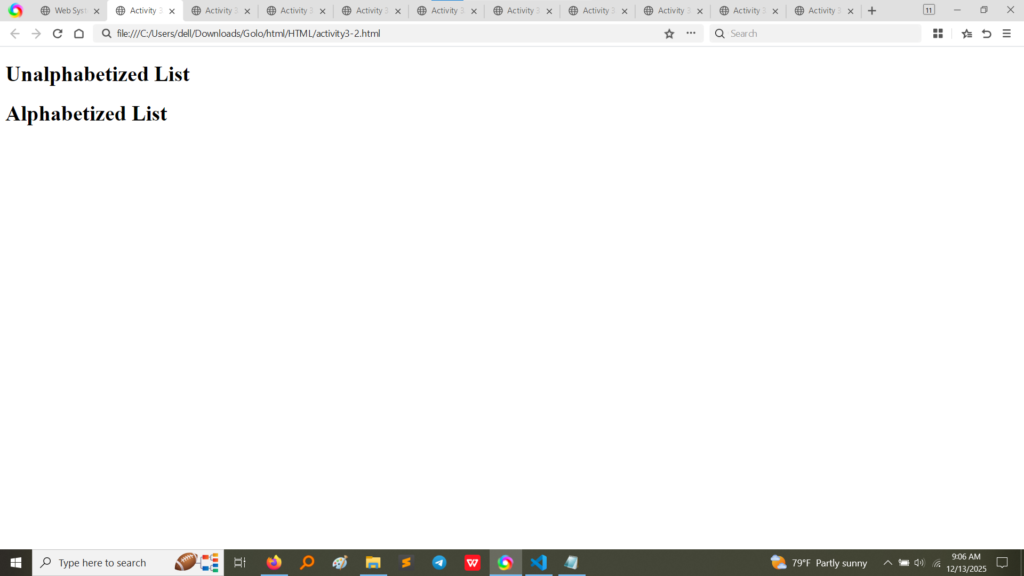
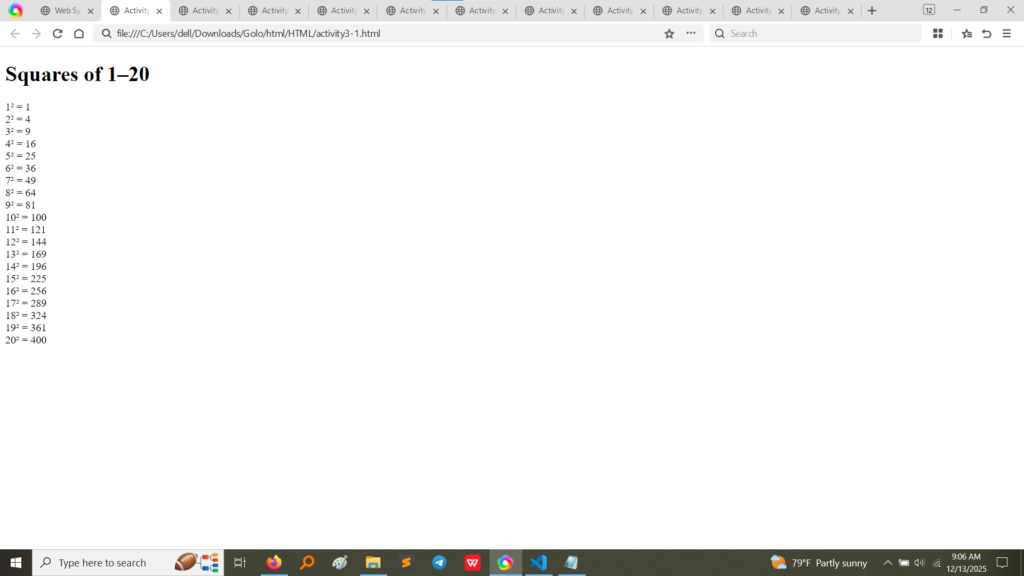
HTML Code (Activity 3.1 & 3.2):Activity 3.1 uses the <sup> tag to correctly display exponents, showing the squares of numbers 1 through 20 (e.g., $1^2$, $2^2$). Activity 3.2 uses the <sub> tag to show subscript text, which is useful in chemical formulas like $\text{H}_2\text{O}$ or for general content demonstration.(Image Here: html code3.1_3.2.png – showing activity3-1.html and activity3-2.html code)
Output (Activity 3.1 & 3.2):The output clearly demonstrates the visual effect: the numbers in Activity 3.1 are rendered in the superscript position, and the text in Activity 3.2 is rendered in the subscript position.(Image Here: output2.png – showing output for activity3-1.html)(Image Here: output3.png – showing output for activity3-2.html)
Structural Paragraphs and Line Breaks (Activity 3.3)
Activity 3.3 reinforced the use of the fundamental paragraph tag and the line break element.
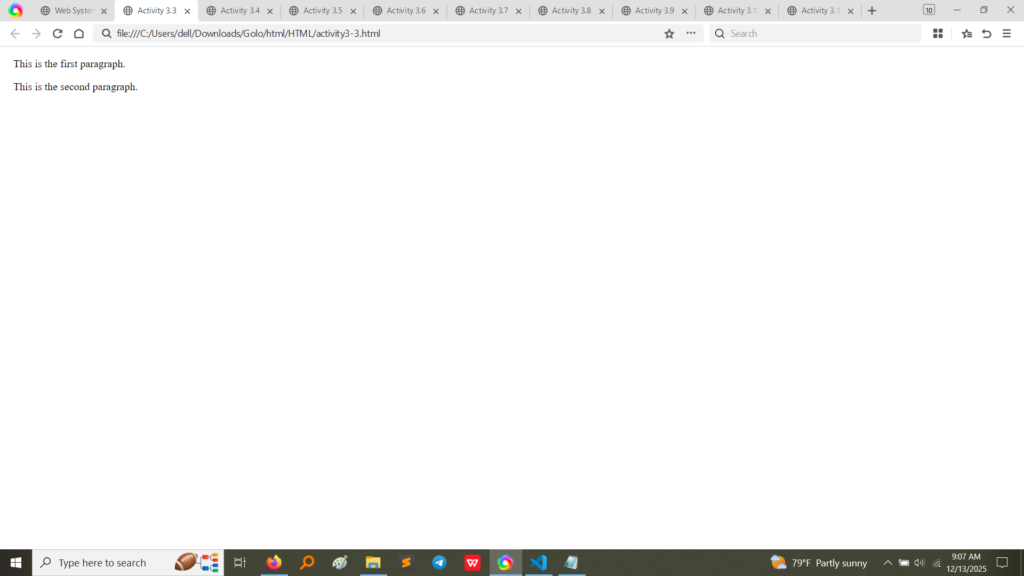
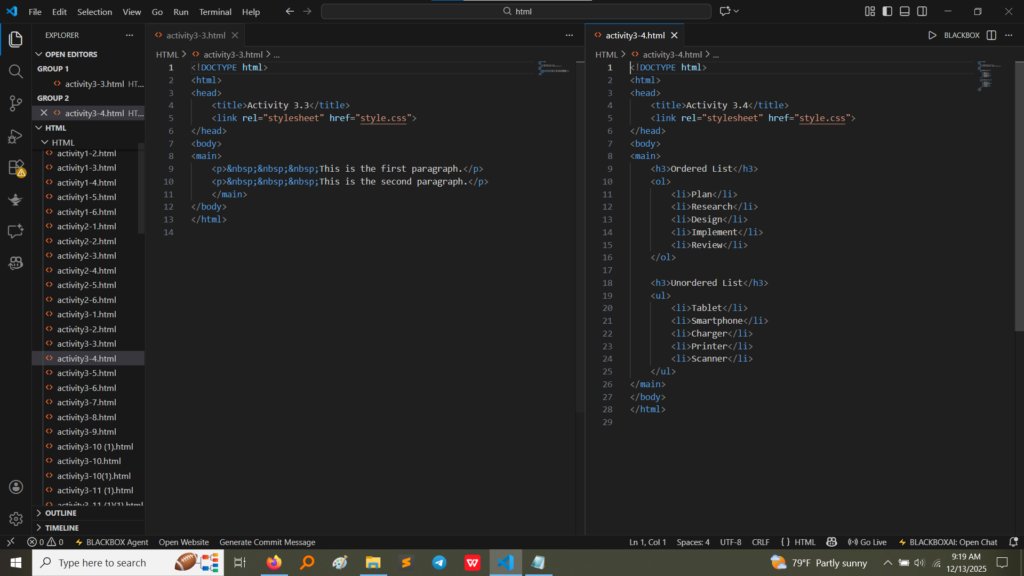
HTML Code (Activity 3.3):The code uses two separate <p> tags for two distinct paragraphs. The first paragraph includes a line break (<br>) to manually force a line division within the same block of text.(Image Here: html code3.3.png – showing activity3-3.html code)
Output (Activity 3.3):The output shows that the first paragraph has two lines (due to <br>), and the second paragraph starts on a new line with automatic spacing, demonstrating the difference between a paragraph break and a line break.(Image Here: output4.png – showing output for activity3-3.html)
Ordered and Unordered Lists (Activity 3.4)
This exercise focused on structuring groups of related items using the essential list tags.
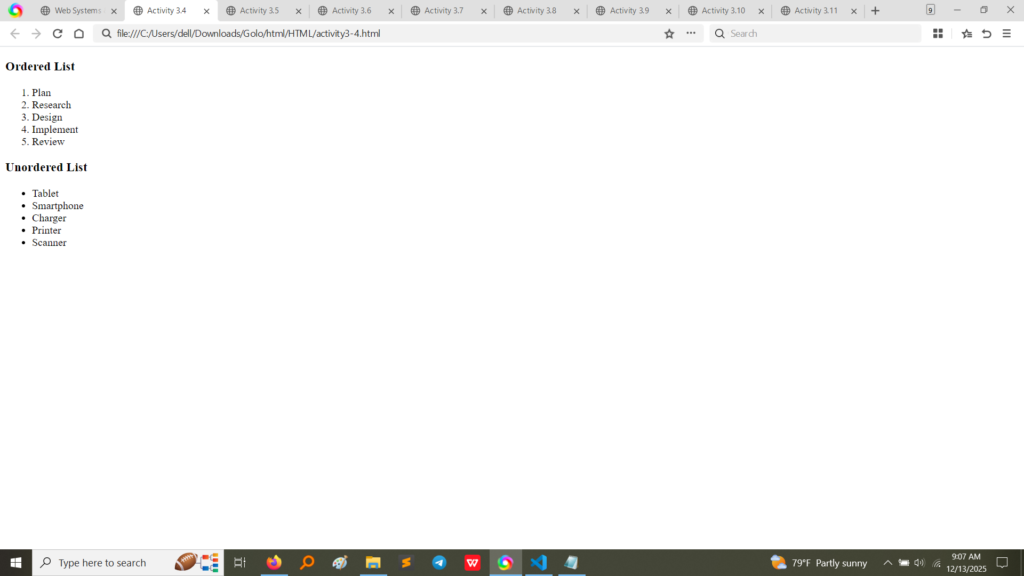
HTML Code (Activity 3.4):The code utilizes the <ol> (Ordered List) tag for a sequence of steps that require a specific numerical order, and the <ul> (Unordered List) tag for a simple collection of items using bullet points. Both use <li> for List Items.(Image Here: html code3.4.png – showing activity3-4.html code)
Output (Activity 3.4):The browser output renders the ordered list with numbers (1., 2., 3., etc.) and the unordered list with standard bullet points, confirming correct list implementation.(Image Here: output5.png – showing output for activity3-4.html)
Semantic Formatting Tags (Activities 3.5 – 3.8)
These activities explored tags that add semantic meaning to the text, which is important for accessibility and information processing.
Activity
Tag Used
Purpose/Meaning
Content to Include
3.5
<h> and <p>
Standard heading and paragraph.
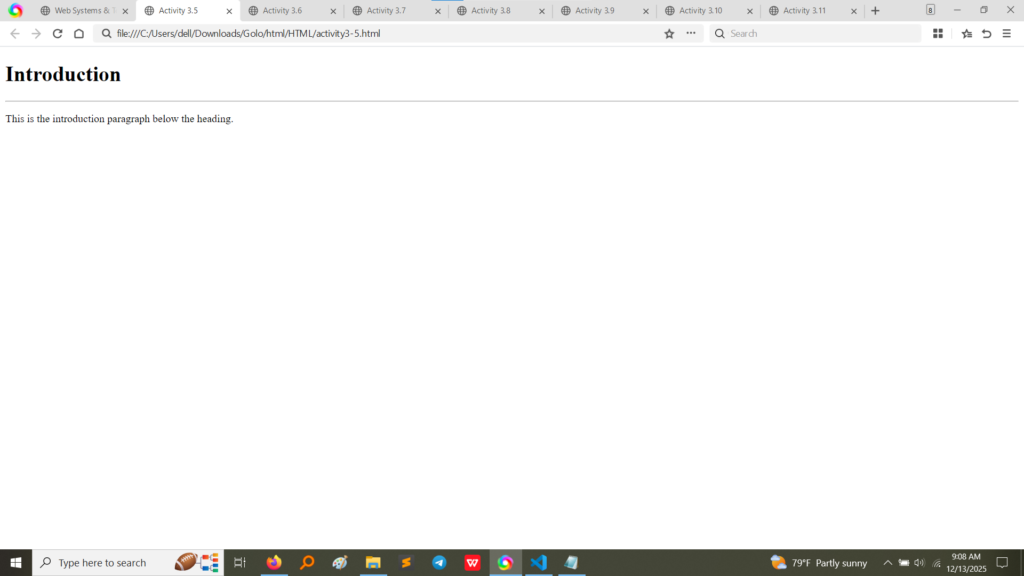
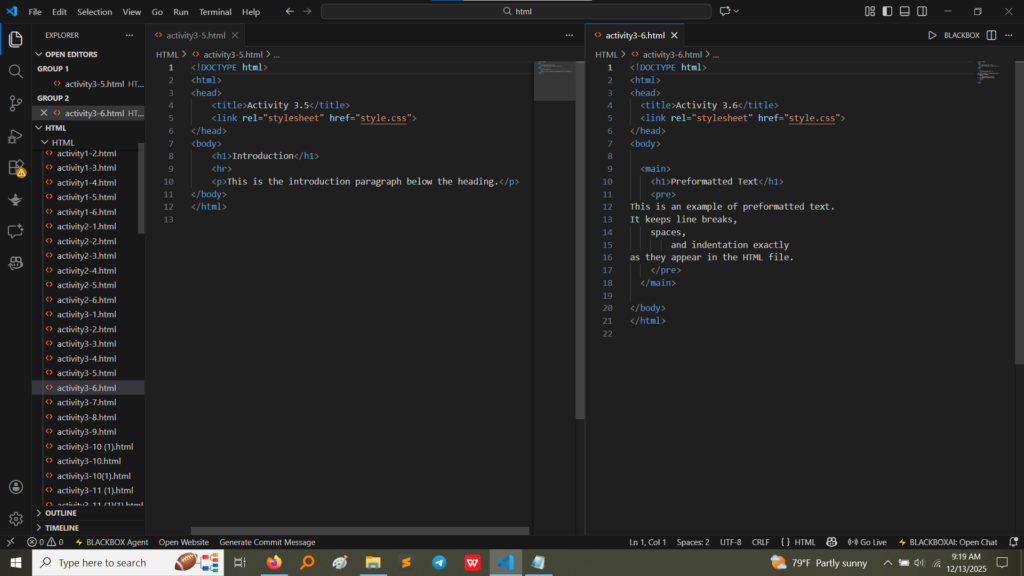
Screenshot of rendered output: a heading “Introduction” followed by a standard paragraph. (Image Here: output6.png – showing output for activity3-5.html)
3.6
<pre>
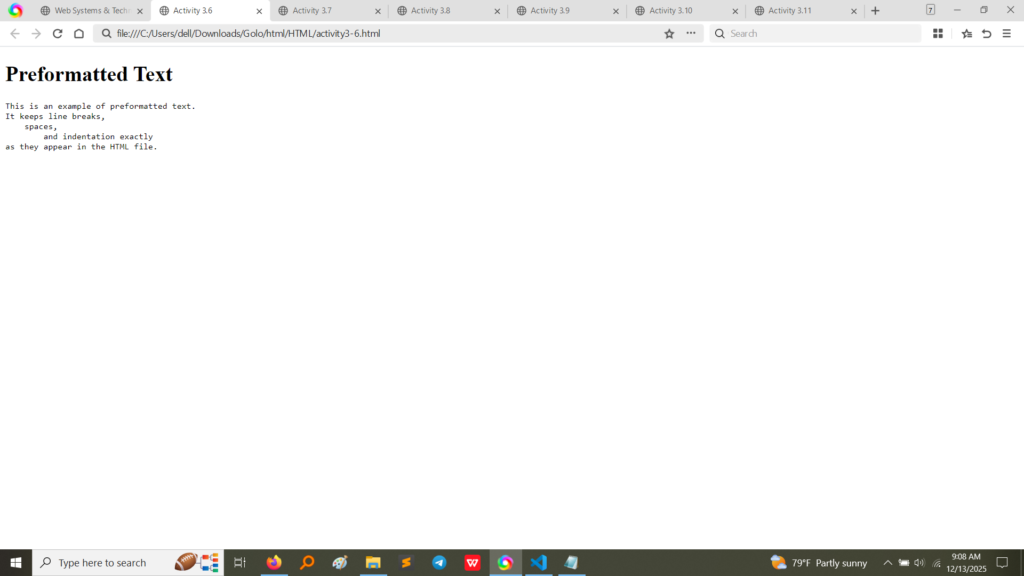
Preformatted text.
Screenshot of rendered output: text maintains exact spacing, line breaks, and indentation as written in the HTML source code. (Image Here: output7.png – showing output for activity3-6.html)
3.7
<blockquote>
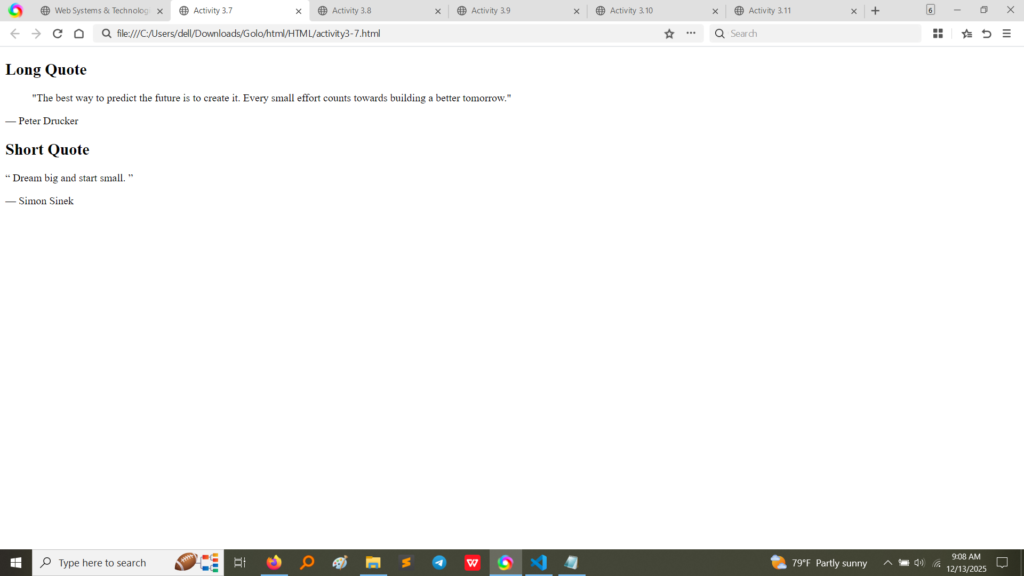
Long quotation.
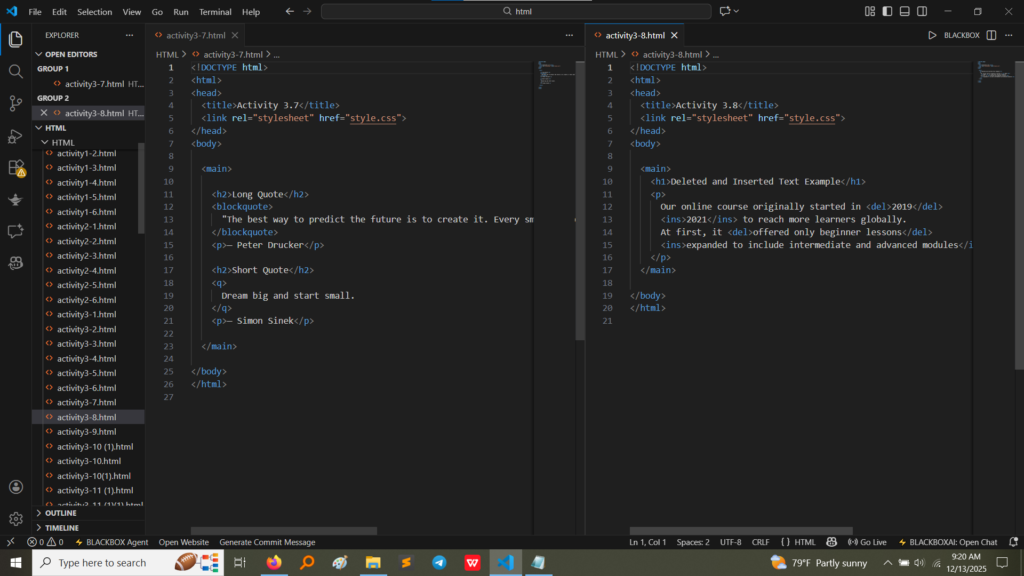
Screenshot of code and output: The quotation by Peter Drucker is indented by the browser, differentiating it from surrounding text. (Image Here: html code4.png – showing activity3-7.html code)
3.8
<del> and <ins>
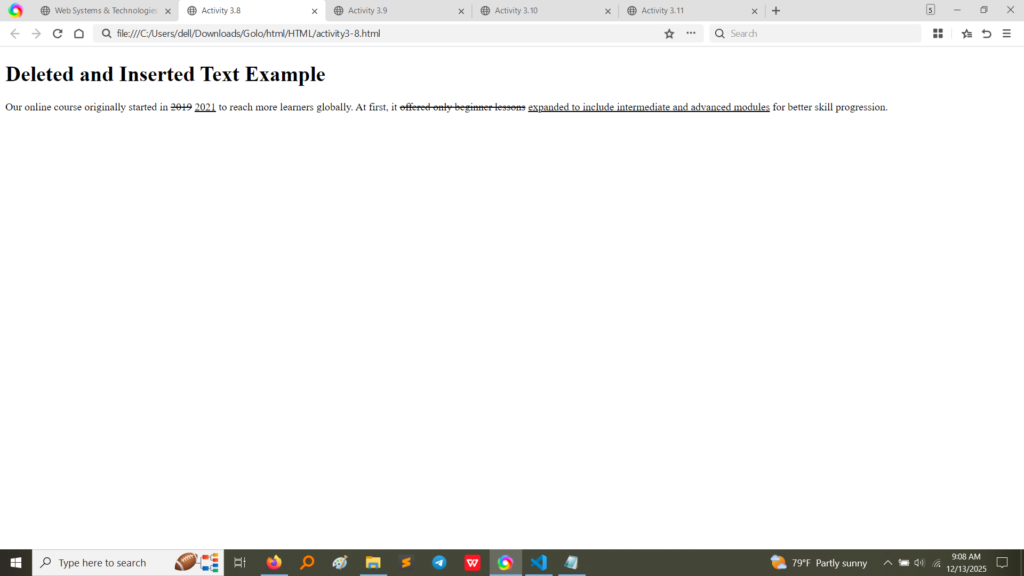
Deleted and Inserted text.
Screenshot of code and output: 2019 is struck through (<del>), and 2021 is underlined (<ins>), representing a revision history. (Image Here: html code4.png – showing activity3-8.html code)
Definition Lists and Acronyms (Activities 3.9 & 3.11)
These complex structures organize terms and their definitions or provide meaning to abbreviations.
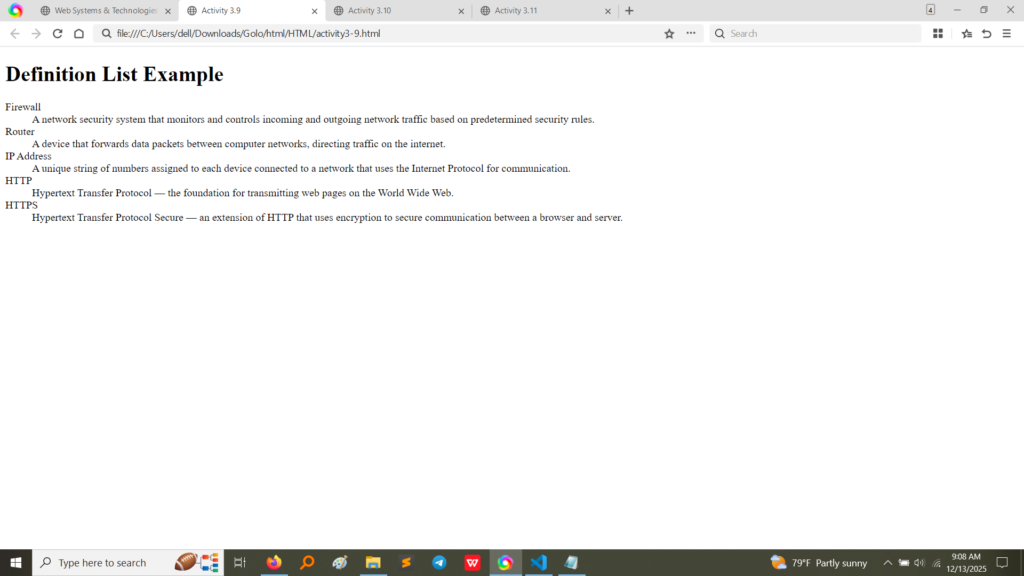
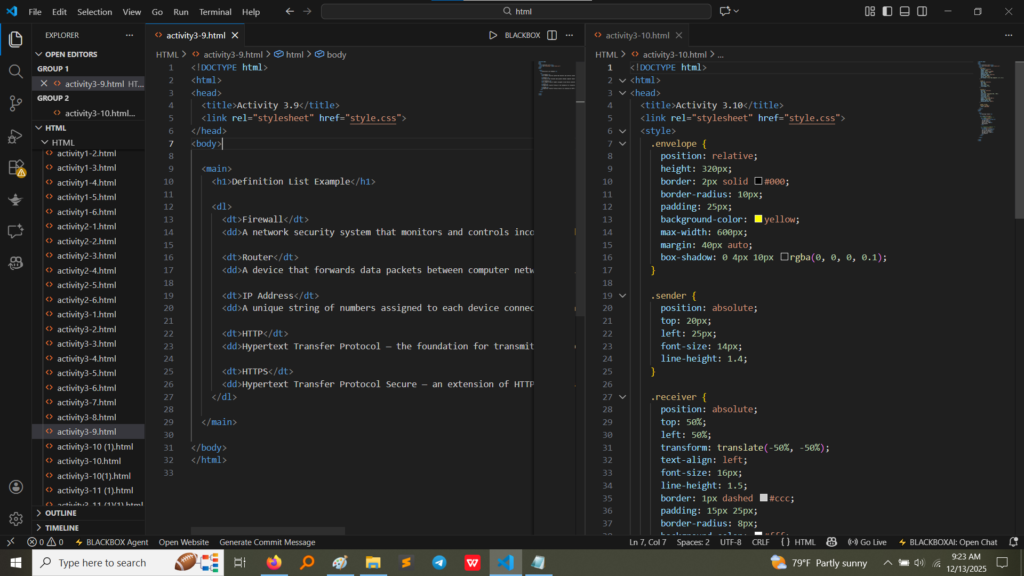
Definition List (Activity 3.9):The code uses the <dl> (Definition List), <dt> (Definition Term), and <dd> (Definition Description) tags to create a structured list of network security terms and their explanations.(Image Here: html code5.png – showing activity3-9.html code)
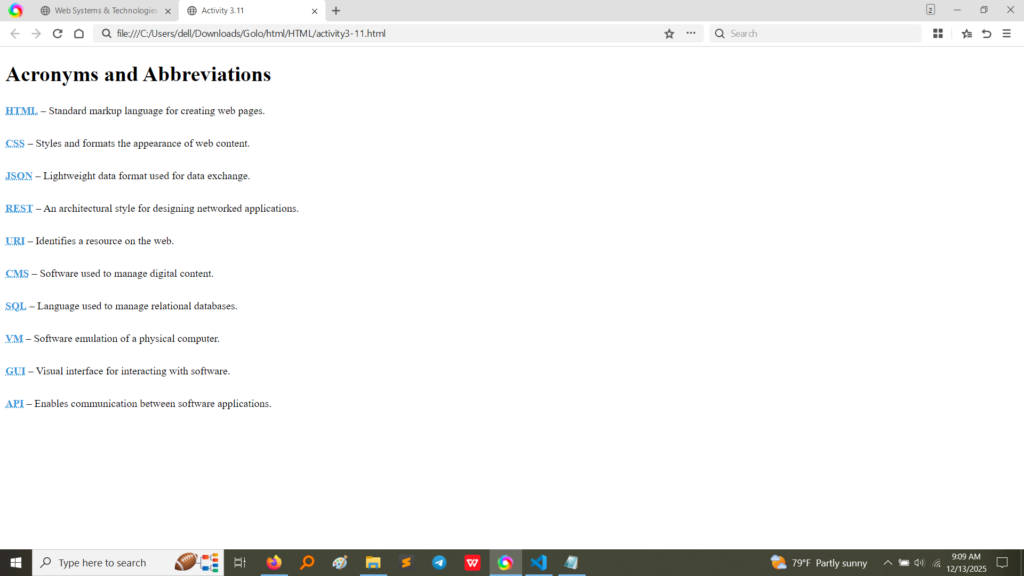
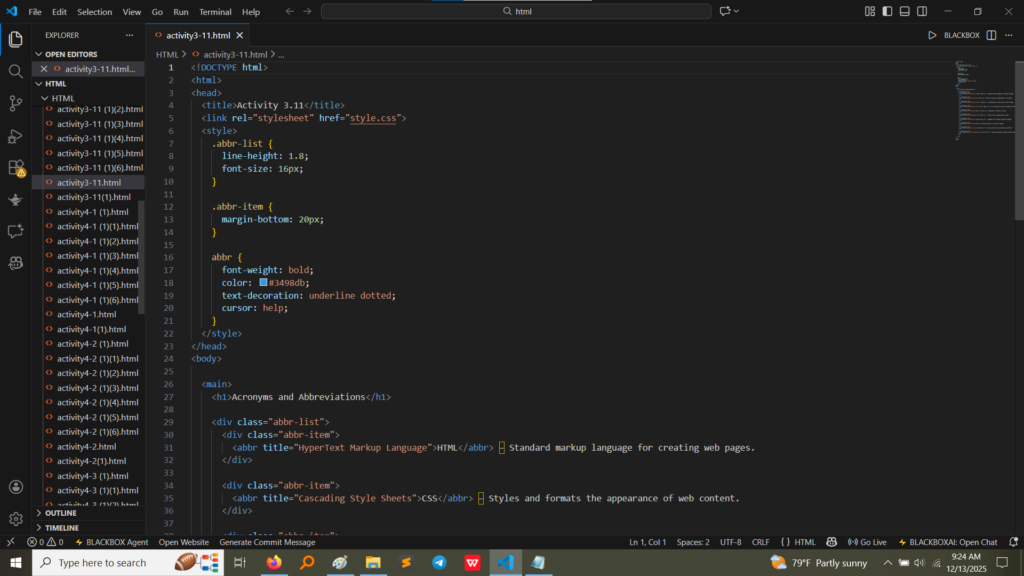
Acronyms (Activity 3.11):The code uses the <abbr> (Abbreviation) tag with the title attribute. When the user hovers over the abbreviation (e.g., HTML), the full title (“Hypertext Markup Language”) appears as a tooltip, as styled in the internal <style> block.(Image Here: html code6.png – showing activity3-11.html code)
HTML code
What I Learned
Activity 3 moved beyond simple text styling toward structural and semantic markup:
Data Presentation: I learned how to present data accurately using <sup> and <sub> and how to use <ol>, <ul>, and <dl> to format different types of lists (sequences, simple items, and definitions).
Semantic Meaning: I understood that tags like <blockquote>, <del>, <ins>, and <abbr> are not just for visual effect; they convey meaning to the browser, search engines, and assistive technologies, improving accessibility and SEO.
Controlling Spacing: The contrast between standard paragraphs (Activity 3.3) and preformatted text (<pre> in Activity 3.6) highlighted the browser’s default whitespace handling and how to override it when necessary for displaying code or ASCII art.